Walk Cycle
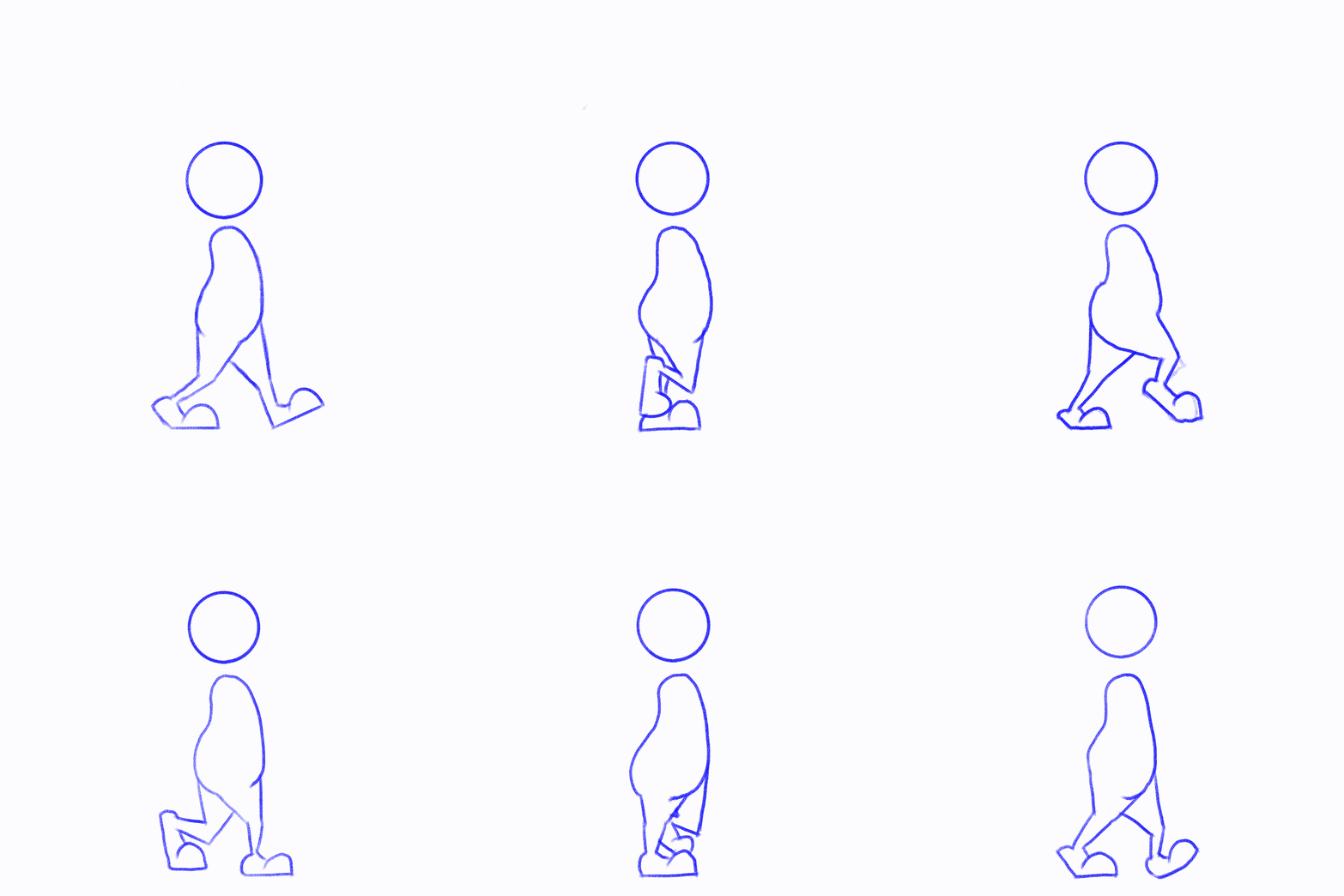
For me this was the most difficult piece to create. I struggled to understand anatomy and found that when adding multiple layers of moving figures on top of each other I couldn’t gain a consistently realistic walk from my character.
Procreate was really helpful in this task as it has an animation assist feature that allows you to add layers on top of each other and scroll through them to see how the movement flows. This really helped bring this piece together and allowed me to check the fluidity of movement of the character’s walk.
I attempted a few pieces that I wasn’t happy with and found that trying to synchronise arms, legs and head all at once was too much to undertake as a beginner. This then led me to simplify the design and have a character that only had a body, legs and a head so that I could focus more on the movement as opposed to the details of the swinging limbs.
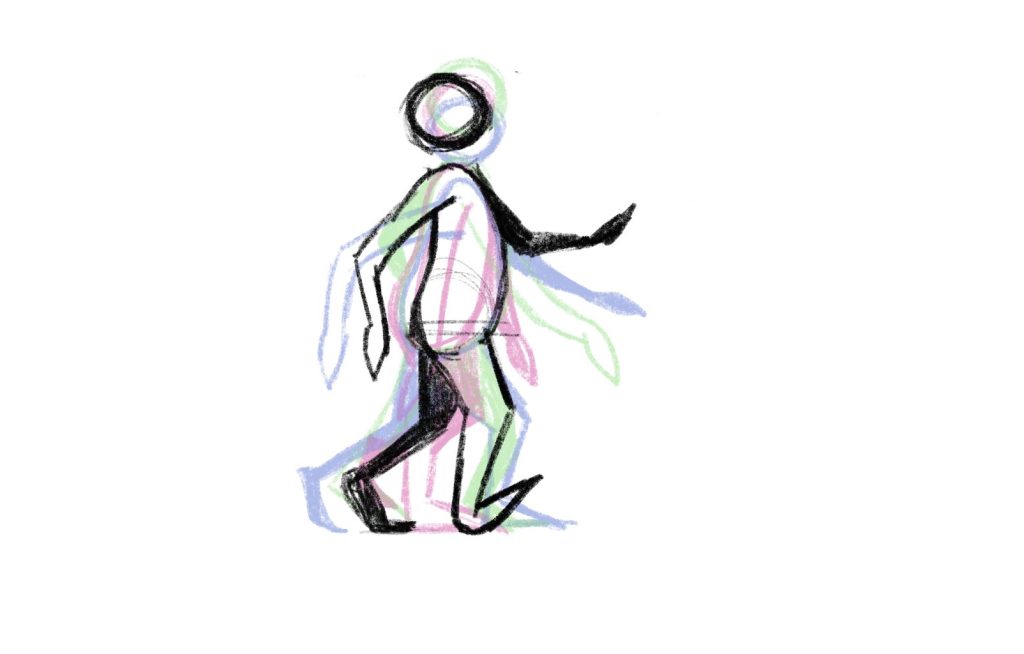
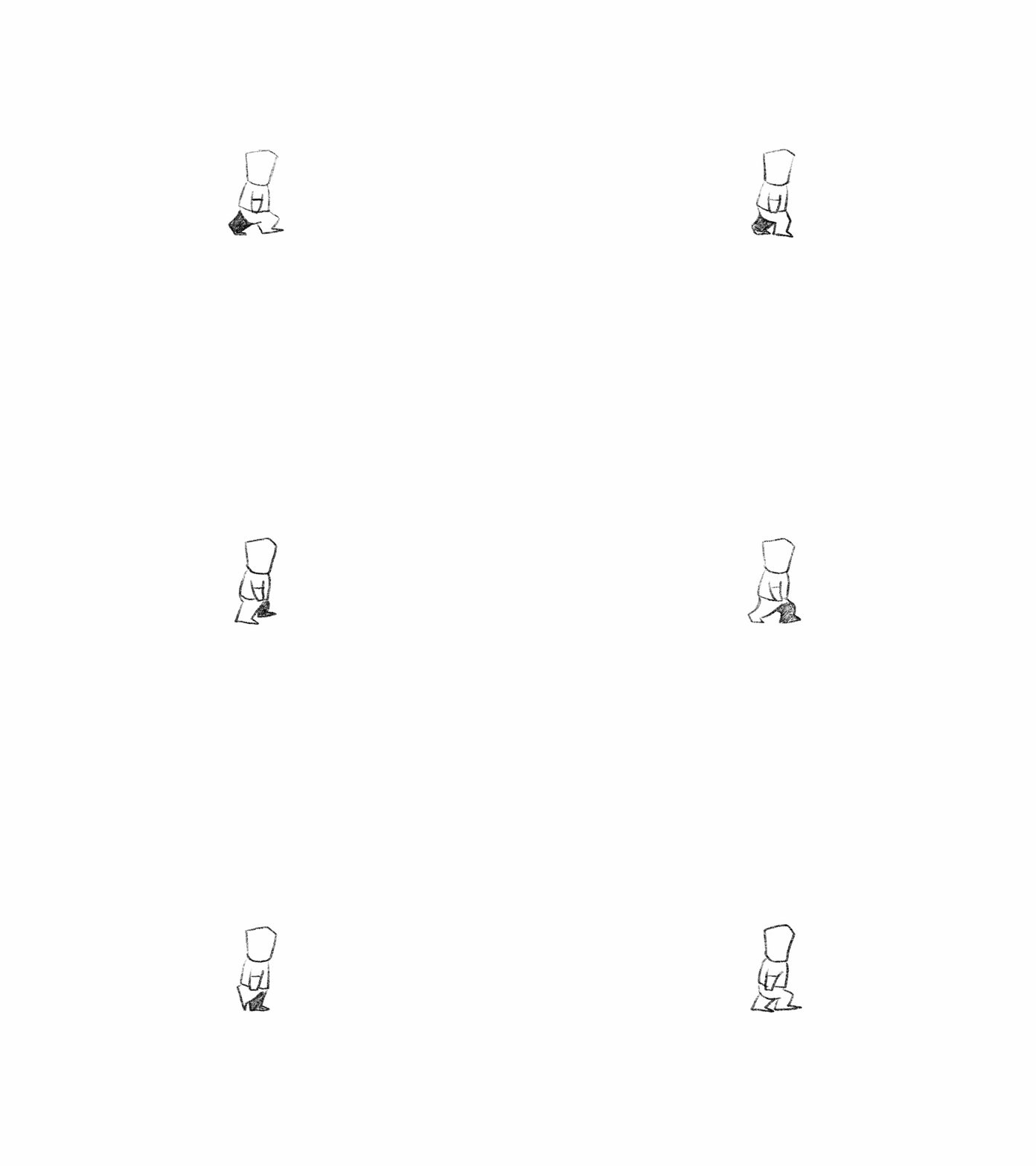
I also utilised Procreate’s ‘Onion Skin’ feature which allowed me to see the previous frame lightly on the new frame and therefore could build on the characters movement based on it’s previous position. Overall the outcome of the final piece is okay but not something I feel is polished or refined. However, as a beginner I’m happy that I could create an animation effectively and value this skills learned from creating this piece.
References
Procreate (2019) How to use Animation Assist in Procreate. Available online: https://www.youtube.com/watch?v=raxCLHbOu0o [Accessed 17/11/2021].
Stayf Draws (2019) Procreate Animation Tutorial: Basic Walk Cycle. Available online: https://www.youtube.com/watch?v=Q5DuNcVqtc4&t=907s [Accessed 17/11/2021]